SafeFrame
Private Video Safety Checks, Right on the Device
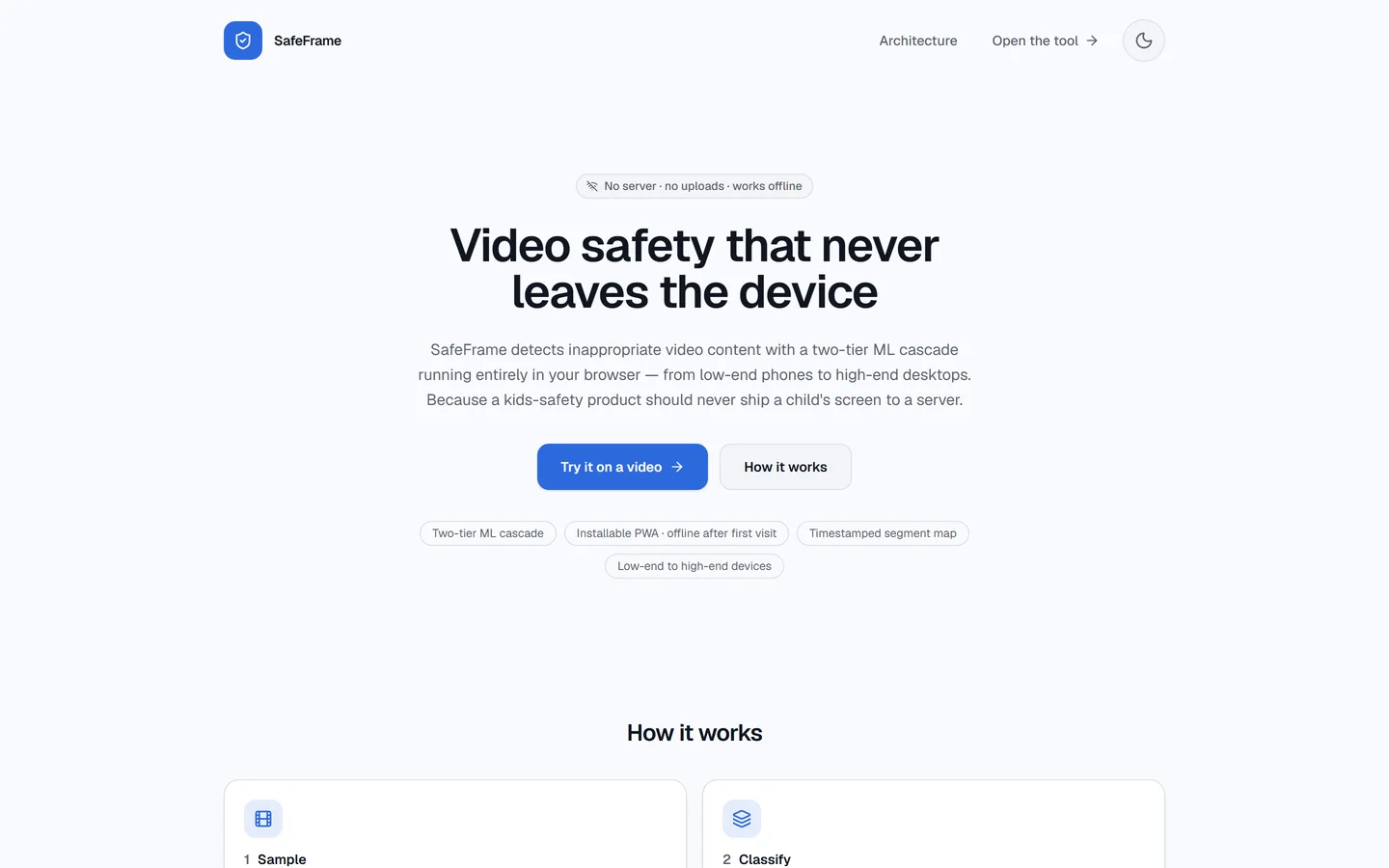
SafeFrame checks videos for inappropriate content on your own phone or laptop, so the video never leaves it. Drop in a video or paste a link, and you get a clear answer, a confidence score and the exact moments that were flagged.
- Status
- MVP
- Availability
- Available now as a first release.
- Covers
- Check
- Flag
- Respond
- Category
- Online Safety
Made for Teams Like Yours
Parents who want to know what their children watch, and teams building apps and browsers for children that need a private video check on the device itself.
Parents and kids' browsers need to catch inappropriate content in videos. Sending a child's screen to an outside server is a privacy and legal risk, costs money for every user and fails offline. Many families also use older phones with little memory.
What SafeFrame Does for You
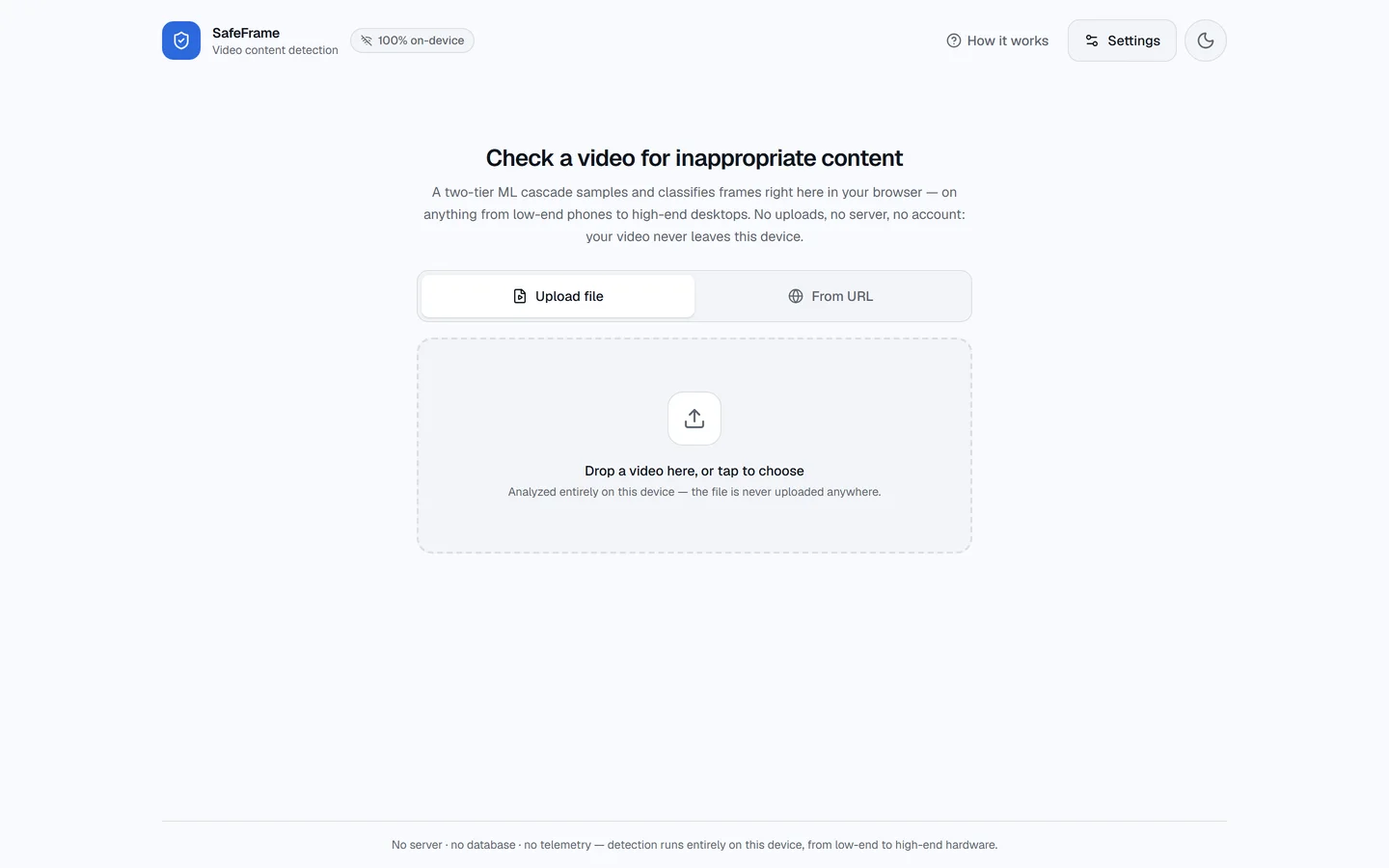
SafeFrame check screen, ready for a video file or a link Nothing Leaves the Device
Videos are checked on the phone or laptop itself, with no uploads and no account.
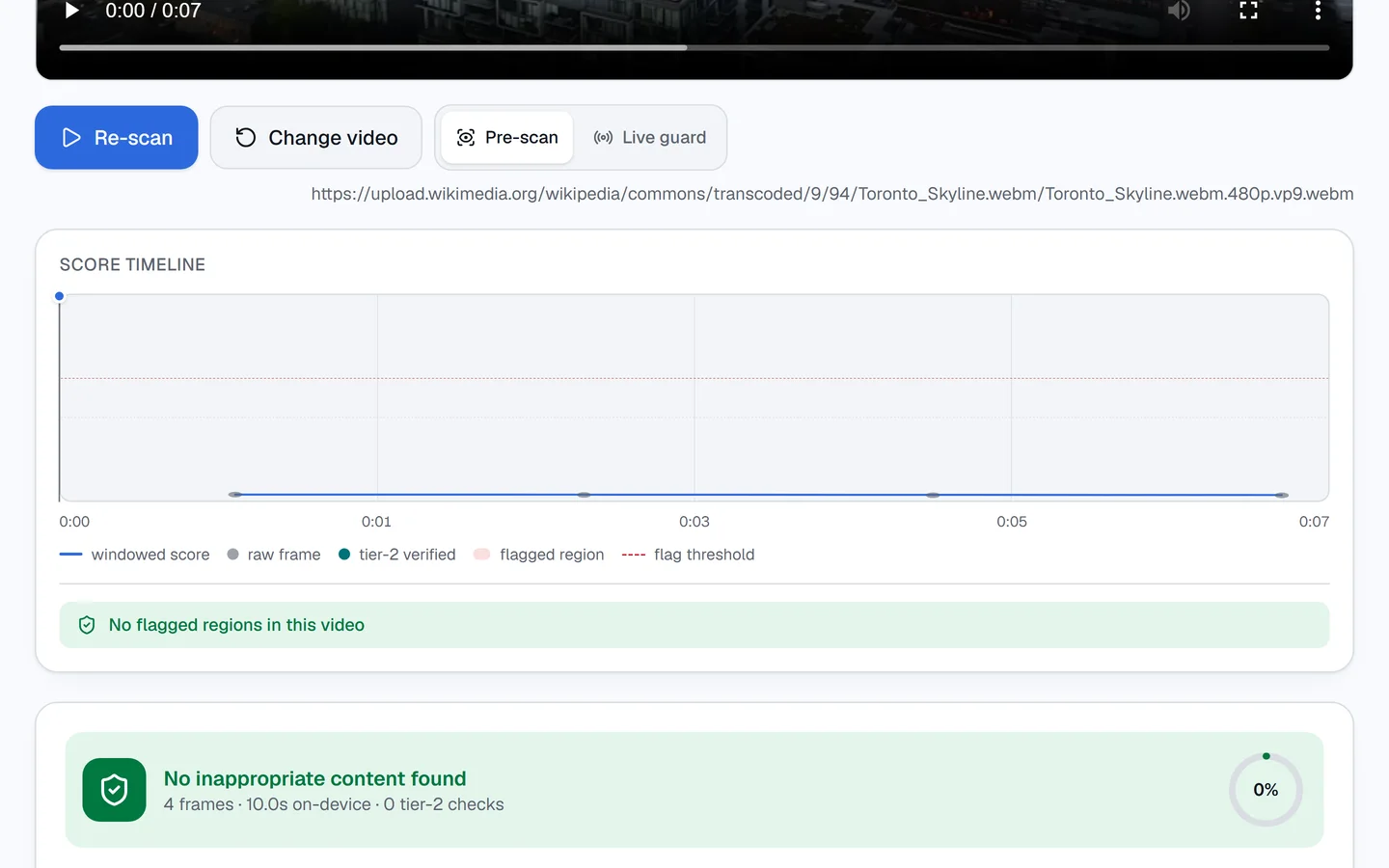
SafeFrame answer for a sample city clip: a timeline with no flagged moments, and no inappropriate content foundSample video: "Toronto Skyline" by Lucastphotography, CC BY 4.0 (opens in a new tab), via Wikimedia Commons (opens in a new tab) See Exactly What Was Flagged
A timeline shows where flagged content starts and ends, not just a yes or no.
A Calm Response for Kids
Choose to blur, pause, hide or skip flagged moments. A parent presses and holds to continue.
Works on Old and New Phones
SafeFrame checks what the device can handle first, so older phones get a lighter check instead of a frozen screen.
Keeps Working Offline
After the first visit, the check still works without an internet connection.
On the Web, on Android and in the Browser
The same check runs on the website, in an Android app and in a browser extension that guards any video on a page.
See It Work
Screenshots
SafeFrame home page in the dark theme
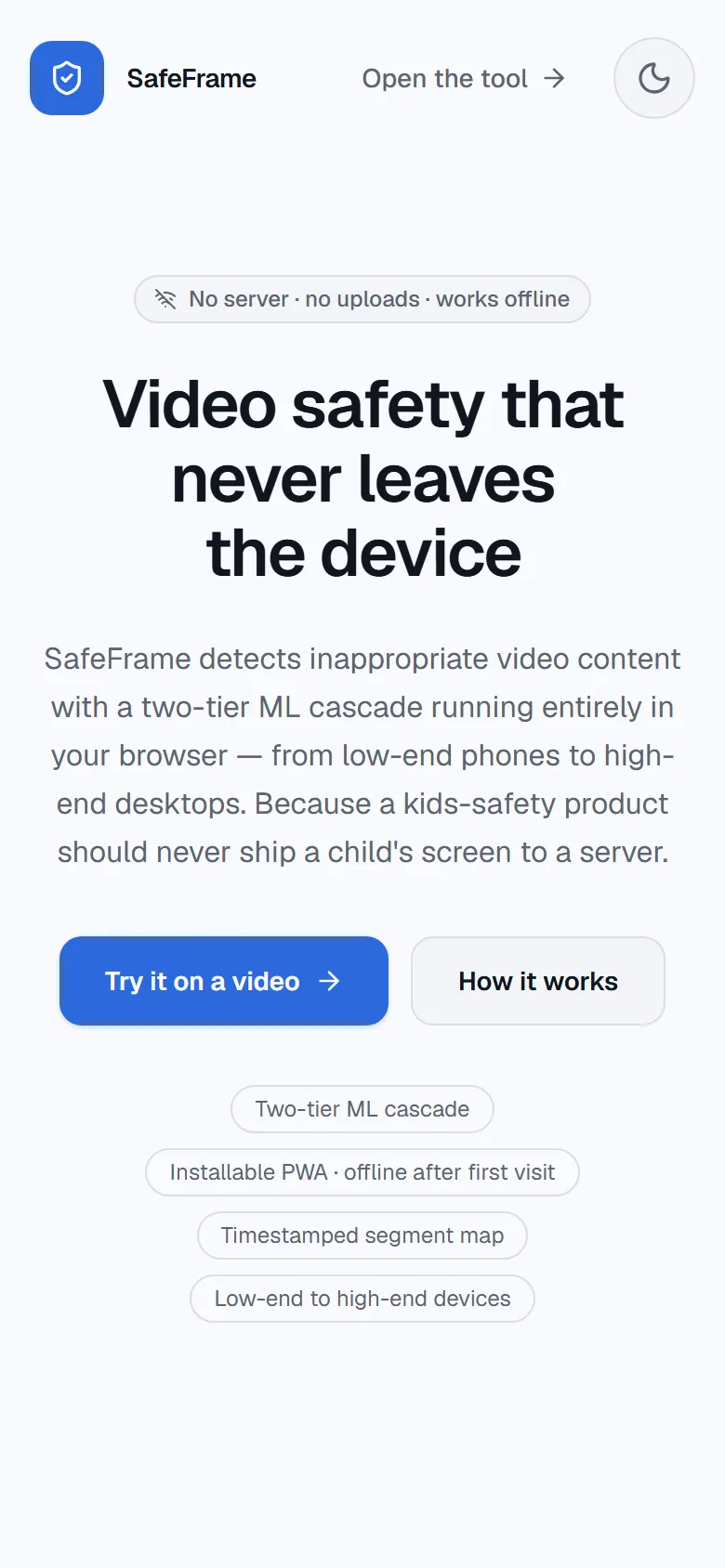
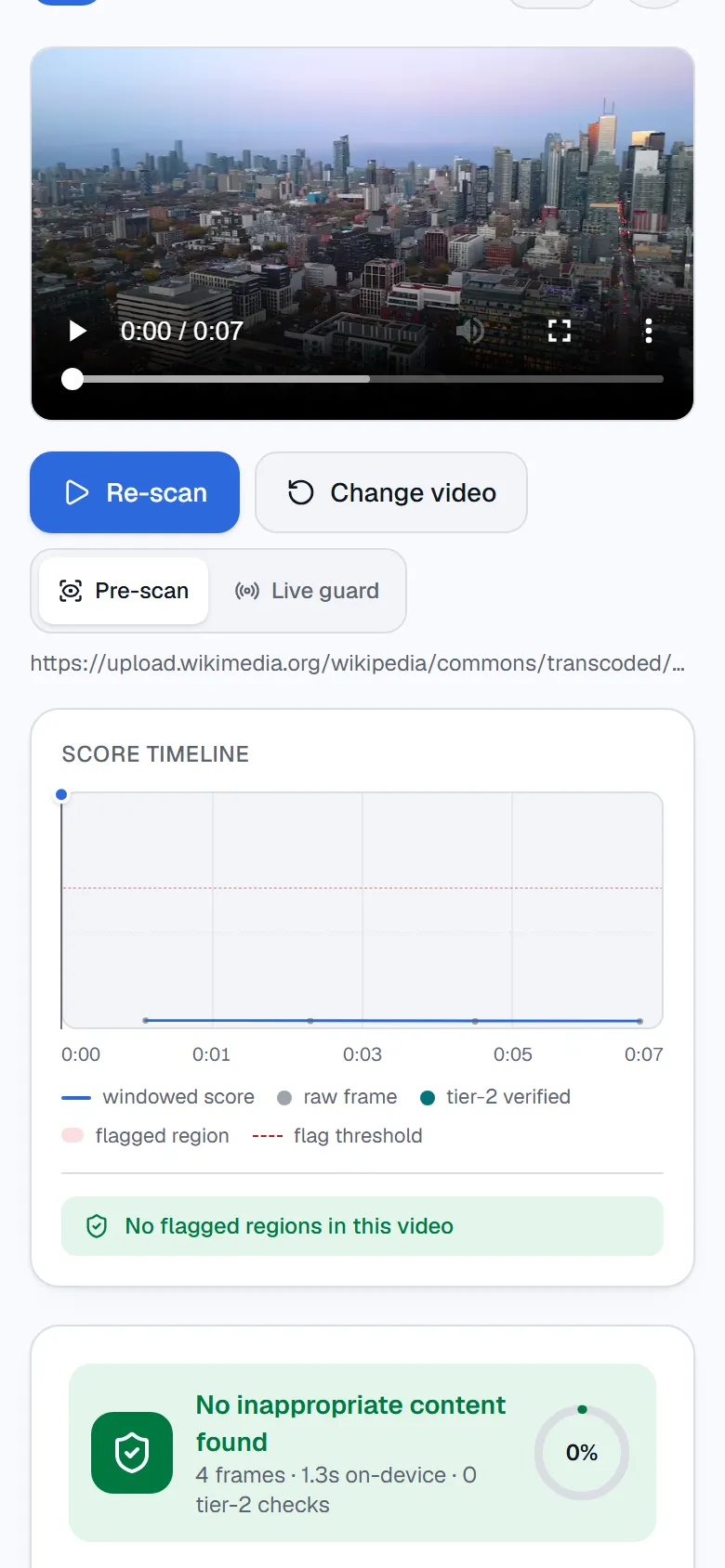
SafeFrame check screen on a phone, ready for a file or a link SafeFrame answer for a sample clip on a phone: no flagged moments, and no inappropriate content foundSample video: "Toronto Skyline" by Lucastphotography, CC BY 4.0 (opens in a new tab), via Wikimedia Commons (opens in a new tab)
See SafeFrame for Yourself
Available now as a first release.