Versa Ops
Orders, Jobs, Stock and Money in One Place
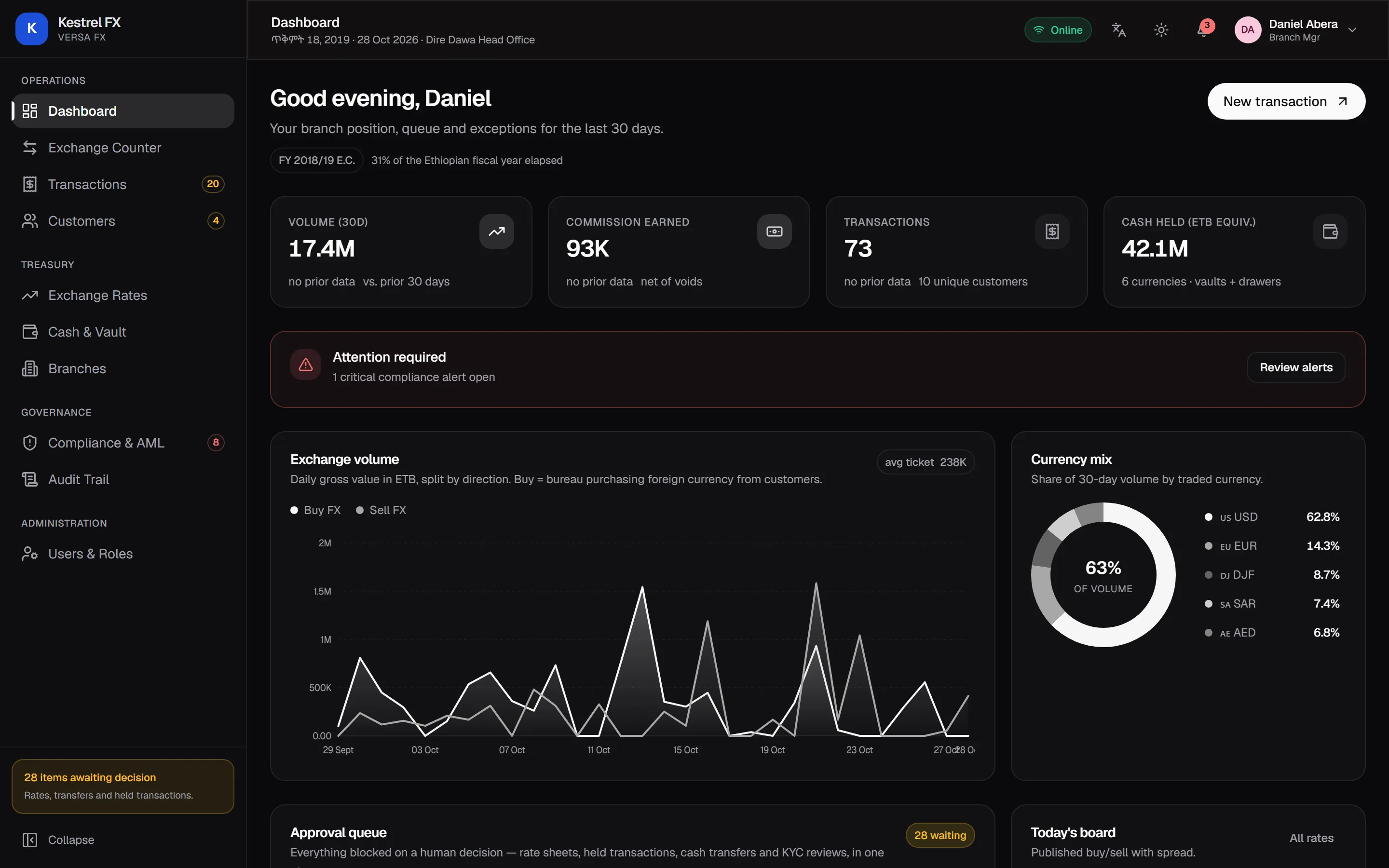
Versa Ops is a business system for companies in Addis Ababa. Your team takes orders, runs jobs and records payments, and the books update with every step, out of sight until your accountant needs them. The new Versa Ops is being built from scratch, and it is not on sale yet.
- Status
- Coming Soon
- Availability
- Coming soon, and not on sale yet. When it is ready, we set up your workspace and arrange the subscription with you by email.
- Covers
- Orders
- Jobs
- Stock
- Money
- Category
- Business System
Versa Ops / Coming Soon
- Orders01
- Jobs02
- Stock03
- Money04
Orders, jobs, stock and money
Made for Teams Like Yours
Small and medium businesses in Addis Ababa that make, sell or import goods. It comes with setups for made-to-order work and for importers and traders: the made-to-order setup comes first, the importers' setup after it. You start from the setup for your kind of business and change it in settings as you grow.
A business that makes, sells or imports goods needs to know where every order, job, item and birr stands, without asking its team to fill in accounting forms.
What Versa Ops Will Do for You
One Button for the Next Step
Every order shows its stage and what comes next as one main button. When something blocks it, like a deposit that isn't paid yet, it says so in plain words and offers the step that clears it.
Books That Keep Themselves
A deposit, a delivery or a payment updates the order, the stock and the accounts together, or not at all. A double tap or a retry still records once.
Set Up for How You Work
Your stages, the steps between them, who may take each step, custom fields and document numbering are settings. Each person holds the roles they need.
Easy on a Phone, Fast on a Desktop
On a phone, each order is one screen with one main action and big buttons. On a desktop you get full tables and boards.
Local From Day One
Amharic and English, Ethiopian and Gregorian dates side by side, 15% VAT, amounts written out in words, and cash, CBE transfer, Telebirr, cheque and Chapa, each in its own account.
Your TIN and FS No
Your TIN on your invoices and receipts, and the FS No from your fiscal machine recorded with each sale.
Hear When Versa Ops Launches
Coming soon, and not on sale yet. When it is ready, we set up your workspace and arrange the subscription with you by email.